Printing
Counter setup guide
Choose your setup preference, then check your card at the counter before serving customers.
All you need to self-print
Print one QR card. Put it by the till.
Your café printer and a phone to test the scan are all you need. No site visit, POS integration or special hardware.
Your account and counter card are created online. Print the card, put it by the till, test it on a phone and show your team how it looks.
Already use Square? Countloyal's Square integration is ready to connect and go live. Prefer the counter QR? It still works alongside any till.
Open your counter card, select A4 or two A5 cards, and print on your café printer. Choose A4 landscape at actual size (100%) and cut the A5 sheet in half.
Show your team the two customer screens
Customers scan the counter QR after paying. For a recognised customer, a valid scan records one stamp automatically and shows a green confirmation with a live ticking clock. A new or unrecognised customer follows the join or recovery steps first. Staff check that screen; they do not add stamps.
Customers open their reward and slide to claim on their own phone. Staff check “Reward redeemed!” and the live clock before giving the reward.
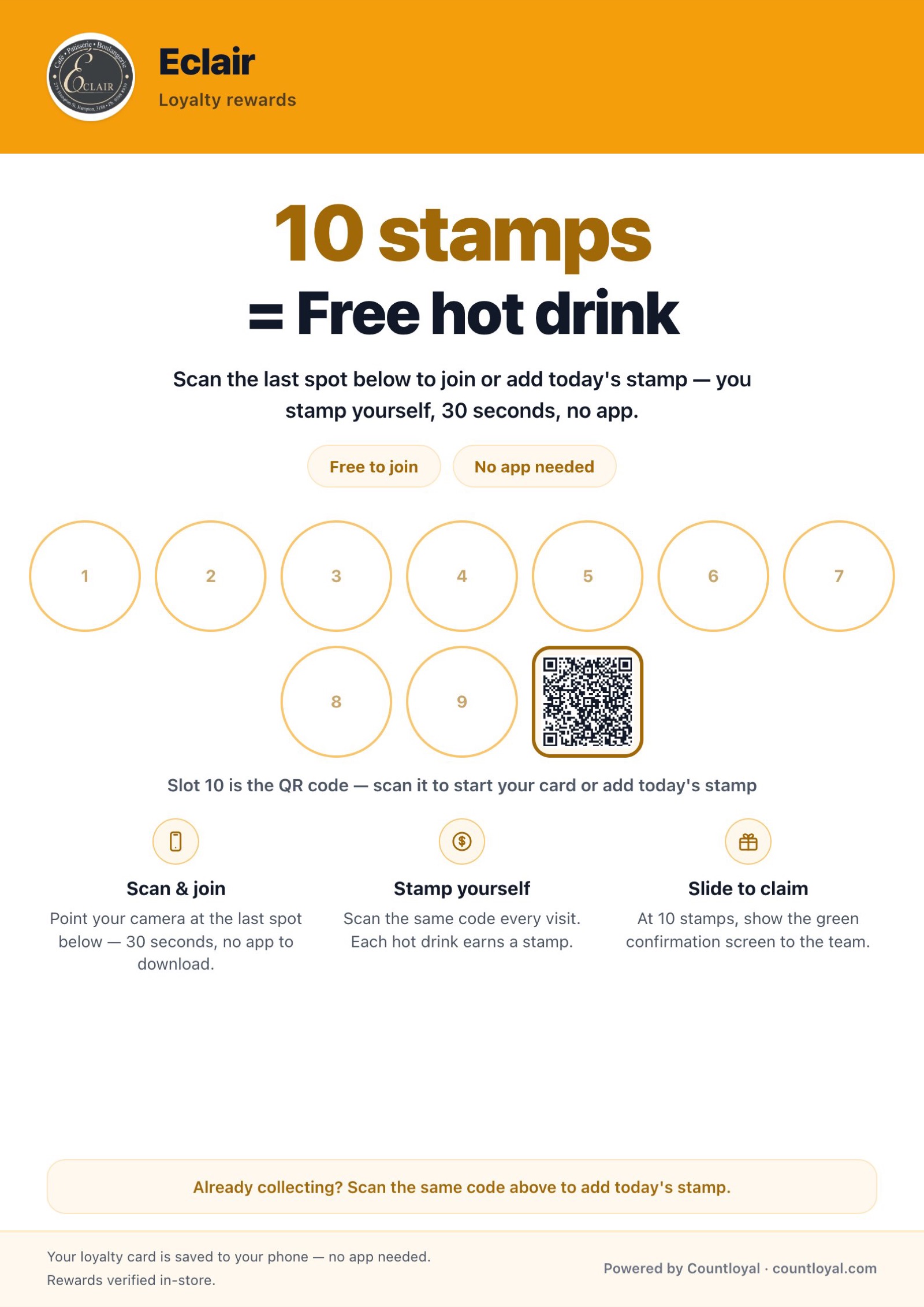
Print at 100% and place it where customers order or pay.
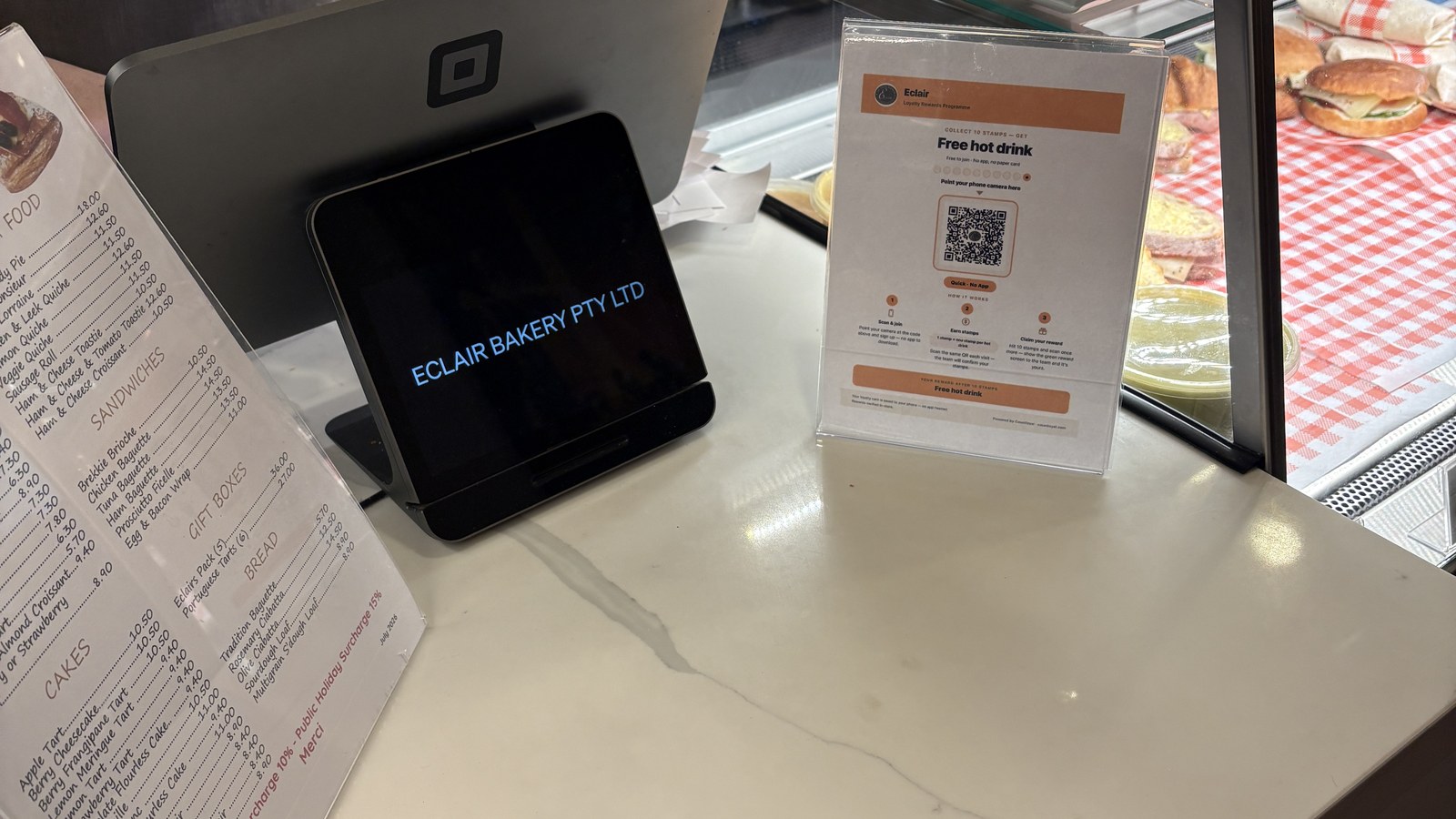
Choose two A5 cards from one A4 sheet if a smaller counter card suits your space.
- 1Print
Choose one A4 counter card or two A5 counter cards from one A4 sheet, then print at 100%.
- 2Place
Put it beside the till where customers order or pay.
- 3Scan and brief
Test it once on a phone, then show staff the quick glance routine.
30 days free. No card. No automatic charge.